Securing Your Digital Life: Cybersecurity for Home Electronics
A massive, 900-word deep dive into locking down your home network, securing vulnerable IoT electronics, and protecting your data from sophisticated cyber threats.
Lead Cybersecurity Researcher
Contributor & Technical Writer
The Cybersecurity Threat Landscape of the Connected Home
In this article, we analyze the core concepts of cybersecurity to help you build a reliable, high-performance home system. Subsequently, the modern home is a digital fortress, but often one with the drawbridge left down. Consequently, as we fill our living spaces with internet-connected electronics—from smart refrigerators and robotic vacuum cleaners to Wi-Fi security cameras and NAS drives—we exponentially increase our "attack surface." Every device connected to your router is a potential entry point for a malicious actor. Therefore, cybercriminals are no longer just targeting massive corporations; automated scripts constantly scour the internet, looking for vulnerable residential IP addresses to exploit for data theft, ransomware, or conscription into botnets.
This exhaustive guide outlines the advanced, proactive measures required to harden your home network and secure your electronic devices against modern, sophisticated cyber threats. Consequently, managing cybersecurity is critical for achieving optimal speeds.
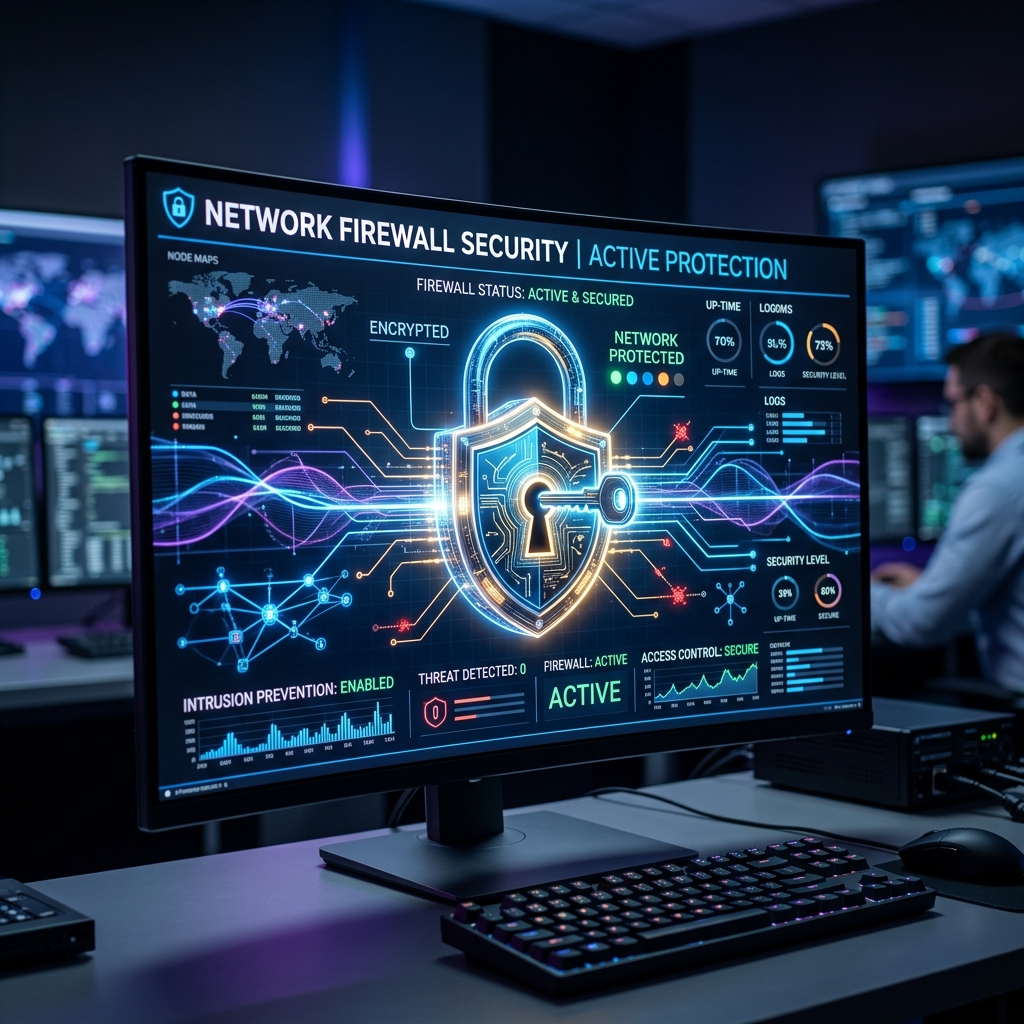
Network Segmentation: The VLAN Strategy
The most critical flaw in the average home network is a "flat" architecture. In addition, this means your highly sensitive personal laptop, containing your tax documents and crypto wallets, exists on the exact same internal network as your $15 off-brand smart lightbulb. Meanwhile, if a hacker breaches the lightbulb due to poorly written firmware, they have unobstructed lateral access to your laptop.
The solution is Network Segmentation using Virtual Local Area Networks (VLANs). As a result, advanced routers allow you to slice your physical network into multiple, isolated virtual networks. However, you must isolate your electronics into strict categories:
- VLAN 1 (Primary): Trusted devices only. Personal laptops, smartphones, and secure NAS drives.
- VLAN 2 (IoT): All smart home electronics, TVs, lightbulbs, and vacuums. This network is heavily firewalled from VLAN 1. The IoT devices can access the internet to function, but they cannot "see" or interact with your personal laptop.
- VLAN 3 (Guest): For visitors, providing internet access only, completely isolated from your internal hardware.
The Absolute Necessity of Hardware Firewalls
The basic firewall built into the cheap router provided by your ISP is insufficient against modern threats. Additionally, serious network security requires a dedicated hardware firewall appliance (such as pfSense, OPNsense, or high-end Unifi gateways). Furthermore, these devices perform Deep Packet Inspection (DPI), analyzing not just where data is going, but the actual payload of the data itself. Specifically, if a smart camera suddenly attempts to establish an encrypted connection to a known malicious server in a foreign country, the hardware firewall will instantly block the packet and alert you, preventing data exfiltration.

DNS Sinkholes: Blocking Threats at the Source
One of the most elegant and effective security measures you can deploy is a DNS Sinkhole, such as a Raspberry Pi running "Pi-hole." As discussed in networking basics, DNS translates domain names into IP addresses. Therefore, a DNS sinkhole intercepts every DNS request made by every electronic device in your house.
If your smart TV attempts to contact a tracking server to upload data about your viewing habits, or if a user accidentally clicks a phishing link in an email, the Pi-hole checks the requested domain against massive, community-maintained lists of known malware, telemetry, and advertising servers. Subsequently, if there is a match, the Pi-hole instantly blocks the request, returning a void. Consequently, this not only dramatically increases security but also removes advertisements from websites across your entire network, speeding up load times significantly.
Password Hygiene and Firmware Updates
Advanced hardware is useless if human error persists. Meanwhile, the two most fundamental rules of home cybersecurity are absolute.
First, utilize a dedicated Password Manager (like Bitwarden or 1Password). However, every single electronic account, from your router administration panel to your smart thermostat app, must use a completely unique, randomly generated 20-character password. In addition, if one service suffers a data breach, your other devices remain secure.
Second, automate firmware updates. Furthermore, unpatched software is the primary vector for exploitation. Specifically, ensure your router, NAS, and all IoT devices are configured to automatically download and install security patches at night. As a result, if an electronic device is so old that the manufacturer no longer provides security updates, you must disconnect it from the internet permanently; it has become a liability.

To learn more about related technologies, check out our guide on best VPNs for home network security. Additionally, for additional industry resources and guidelines, visit the official CISA official website. Consequently, managing cybersecurity is critical for achieving optimal speeds.
Conclusion
Securing your home network is not a one-time event; it is an ongoing process of architectural design and vigilance. Consequently, by implementing strict network segmentation via VLANs, deploying a robust hardware firewall, utilizing a DNS sinkhole, and maintaining flawless password hygiene, you create a hardened digital environment. Therefore, this ensures that you can enjoy the incredible convenience of modern smart electronics without sacrificing the privacy and security of your personal data.
Share this guide