How to Fix a Slow Internet Connection: A Troubleshooting Guide
Stop buffering and start browsing. Follow this step-by-step diagnostic guide to identify and fix the root causes of slow home internet.
IT Support Specialist
Contributor & Technical Writer
Isolate the Problem: ISP vs. Local Network
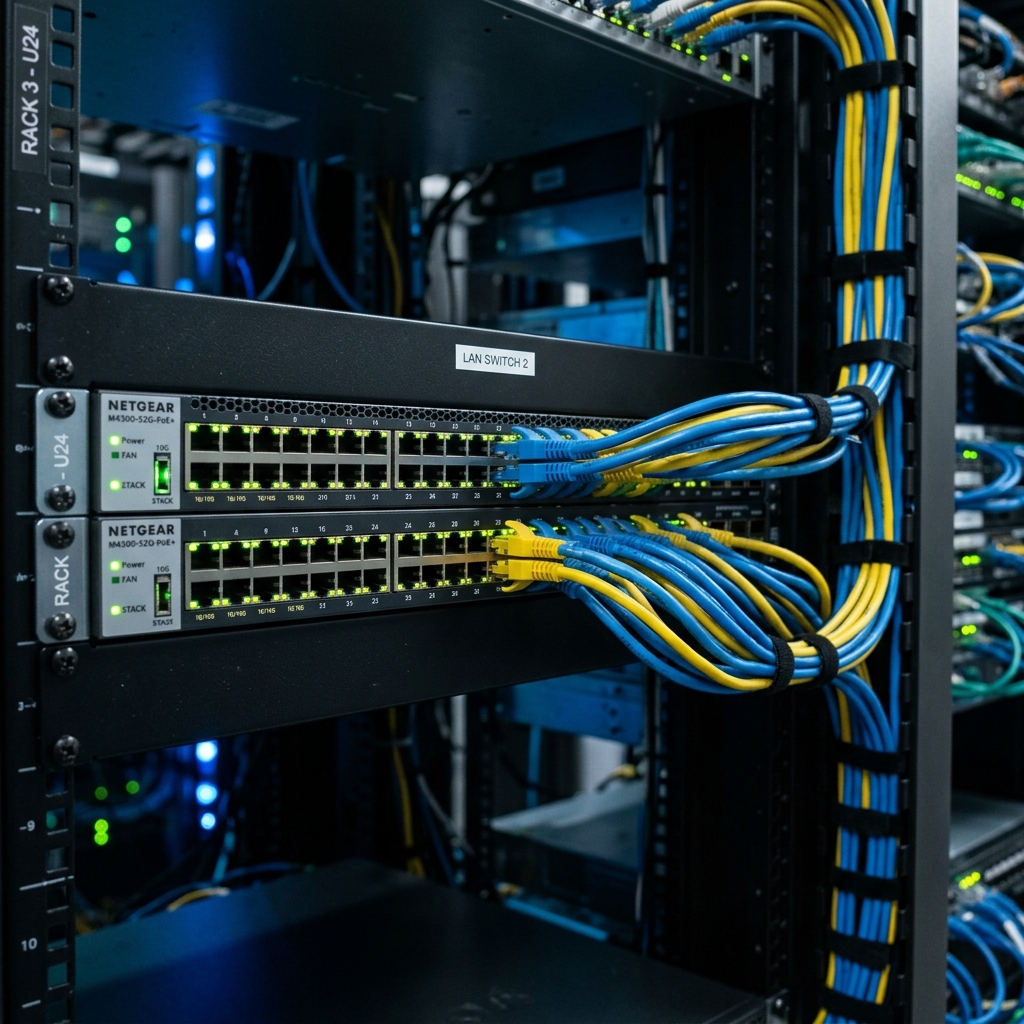
In this article, we analyze the core concepts of slow internet connection to help you build a reliable, high-performance home system. Meanwhile, when a web page fails to load or a video constantly buffers, the immediate reaction is to blame the Internet Service Provider (ISP). However, the vast majority of "slow internet" issues are caused by localized problems within your own home network. Subsequently, the first diagnostic step is isolation. Consequently, connect a laptop directly into your modem using an Ethernet cable and run a speed test. Therefore, if the speed matches what you pay for, your ISP is fine, and the issue lies entirely with your Wi-Fi router or electronic devices. Additionally, this simple step saves hours of customer service calls.
Combating Wireless Interference
If your hardwired speed is fast but your Wi-Fi is agonizingly slow, interference is the likely culprit. Specifically, the 2.4GHz Wi-Fi band is heavily congested, sharing frequencies with microwaves, baby monitors, and your neighbor's routers. As a result, log into your router's administrative panel and change the Wi-Fi channel to the least crowded option (channels 1, 6, and 11 are non-overlapping). However, whenever possible, force your modern electronics to connect to the 5GHz band, which offers significantly faster speeds and less interference, albeit at a shorter range. In addition, newer routers supporting DFS (Dynamic Frequency Selection) channels unlock even cleaner frequency lanes. Consequently, managing slow internet connection is critical for achieving optimal speeds.
The Hardware Bottleneck
Sometimes, the electronics themselves are the problem. Additionally, if you are paying for a 1 Gigabit internet plan but using an ancient router from 2015, the router simply lacks the processing power to handle gigabit data streams, acting as a massive bottleneck. Similarly, an old laptop with a severely outdated Wi-Fi network card will never achieve fast speeds, regardless of how powerful your router is. Furthermore, ensure your networking hardware is utilizing at least the Wi-Fi 6 standard to ensure efficient device queue management.

Frequently Asked Questions (FAQ)
Q: Why does my internet speed drop at night?
A: During peak evening hours, local network node congestion from ISPs (especially cable and 5G connections) can cause throttling. Additionally, check if other electronics in your house are running automated backups.
Q: Does restarting my router actually help fix speeds?
A: Yes. Power cycling clears the router's internal RAM, drops inactive background connections, and forces the device to re-scan for the least congested Wi-Fi channels in your area.
Q: What is a bufferbloat, and how do I solve it?
A: Bufferbloat occurs when routers queue too much data during heavy transfers, driving up ping and lagging other electronics. Enabling SQM (Smart Queue Management) or QoS on your router resolves this.
To learn more about related technologies, check out our guide on troubleshooting Wi-Fi dead zones. Therefore, for additional industry resources and guidelines, visit the official Speedtest by Ookla. Consequently, managing slow internet connection is critical for achieving optimal speeds.
Conclusion
Fixing slow internet requires a methodical approach. Consequently, by isolating the problem to either your ISP or your local network, minimizing wireless interference, and upgrading obsolete electronics, you can restore your network to peak performance and eliminate buffering for good.
Share this guide