Wi-Fi 6 vs Wi-Fi 7: Should You Upgrade Your Home Router?
A technical breakdown of Wi-Fi 7's new features compared to Wi-Fi 6, and whether you need to upgrade your home networking hardware.
Network Engineer
Contributor & Technical Writer
The Evolution to Wi-Fi 7 (802.11be) and Router Upgrades
In this article, we analyze the core concepts of Wi-Fi 7 to help you build a reliable, high-performance home system. Subsequently, just as consumers have finished upgrading their routers to Wi-Fi 6 (and 6E), the networking industry has introduced Wi-Fi 7. Consequently, promising speeds up to four times faster than its predecessor, Wi-Fi 7 is marketed as the ultimate solution for 8K streaming, immersive AR/VR, and massive smart home ecosystems. But what actually makes it different?
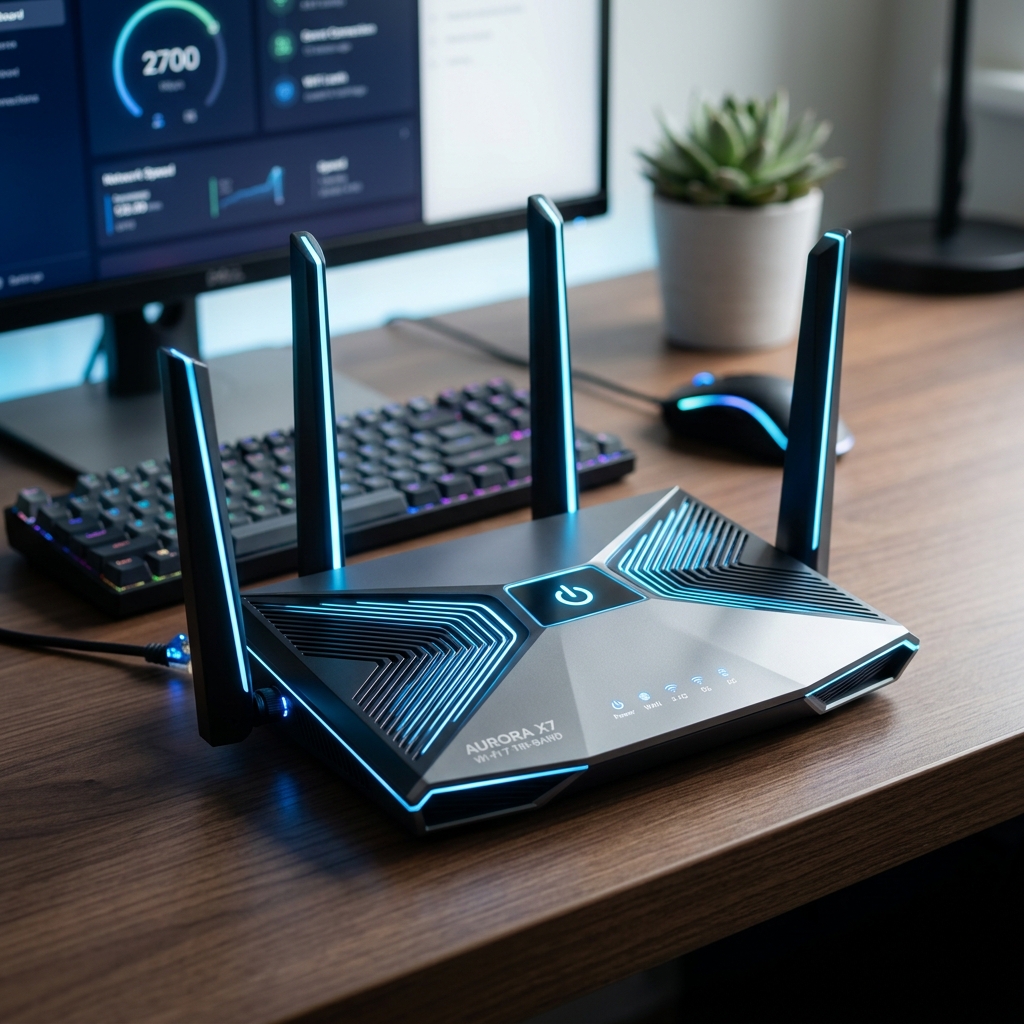
Multi-Link Operation (MLO) Explained
The most groundbreaking feature of Wi-Fi 7 is Multi-Link Operation (MLO). As a result, historically, a device could only connect to one frequency band (2.4GHz, 5GHz, or 6GHz) at a time. However, with MLO, a Wi-Fi 7 compatible electronic device can simultaneously send and receive data across multiple bands. In addition, this drastically reduces latency and significantly increases reliability, meaning your connection won't drop even if one band experiences severe interference. Meanwhile, mLO allows for dynamic load balancing between frequencies, which is a game-changer for high-density smart homes.
Ultra-Wide 320 MHz Channels
Wi-Fi 7 doubles the maximum channel width from 160 MHz (in Wi-Fi 6) to 320 MHz. Additionally, think of this as expanding a two-lane highway into a four-lane superhighway. Furthermore, this allows for massive amounts of data to be transferred instantly, which is critical for downloading massive video game files or backing up terabytes of data to a cloud server in seconds. Specifically, combined with 4096-QAM (Quadrature Amplitude Modulation), which packs 12 bits of data into each symbol compared to Wi-Fi 6's 10 bits, data throughput is increased by 20% on speed alone.

Frequently Asked Questions (FAQ)
Q: Are Wi-Fi 7 routers backward compatible with older electronics?
A: Yes. Wi-Fi 7 routers are fully backward compatible. Older electronics running on Wi-Fi 6, 5, or 4 will connect perfectly, though they won't experience Wi-Fi 7 specific speeds.
Q: Do my current devices support Wi-Fi 7?
A: Most devices released before 2024 do not support Wi-Fi 7. You need compatible newer electronics (like modern flagship smartphones and laptops) with Wi-Fi 7 network cards to leverage the new standards.
Q: Is Wi-Fi 7 worth it if I have a 100 Mbps internet connection?
A: No. If your incoming internet bandwidth is only 100 Mbps, a Wi-Fi 7 router will not make your web browsing faster. You will only see benefits for transferring files locally between devices on your home network.
Do You Actually Need It?
For the average household in 2026, upgrading to Wi-Fi 7 is largely overkill unless you possess a multi-gigabit fiber internet connection and client devices (smartphones, laptops) that explicitly support the Wi-Fi 7 standard. Therefore, if you are experiencing network congestion with Wi-Fi 6, upgrading to a Wi-Fi 6E mesh system will likely solve your problems for a fraction of the cost of bleeding-edge Wi-Fi 7 hardware.
To learn more about related technologies, check out our guide on best Mesh Wi-Fi systems. Consequently, for additional industry resources and guidelines, visit the official Wi-Fi Alliance.
Share this guide